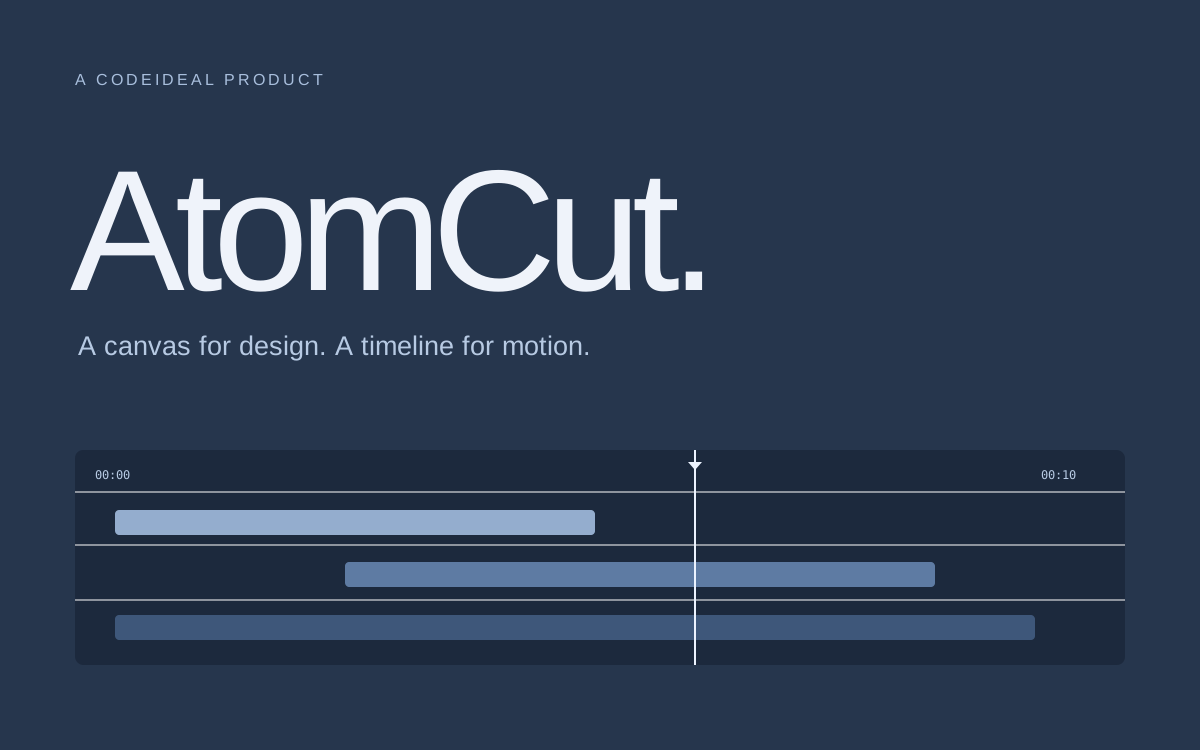
AtomCut
Our browser-based video editor and motion design studio. Design on a canvas, animate on a timeline, and keep the whole project editable.
We’re the team building AtomCut.
AtomCut is CodeIdeal’s creative studio for video and motion. It brings a design canvas, video editing, and animation into one working project. Open it in a browser, or use the desktop app on macOS, Windows, and Linux.
We’re building it for people who want to shape the picture and its timing together: a title over footage, an animated explainer, a captioned clip, or a character with something to say.
Try the AtomCut browser editor ↗One project, from the first frame to the export.
Draw vectors and text on the canvas. Bring in footage and audio, then arrange them on the multitrack timeline. Add keyframes, shape the curves, and build reusable scenes with nested compositions.
The studio also supports 3D worlds, character rigs, lip sync, and physics. AI agents can work with editable layers and timelines through the application’s command API.
Start in the browser.
Open the browser editor to try the workflow. The current plan comparison explains the export limits and AI capabilities available with each license.
Compare AtomCut Free and Pro ↗ · Read the AtomCut documentation ↗
A closer look at the studio.
Our full guide explains the editing workflow, motion tools, 3D features, export choices, and current release notes. It includes an interactive easing illustration and direct links to the relevant documentation.
Read the browser video editor and motion design guide ↗