MotionKit: Animation Engine Hidden Inside Figma
Overview
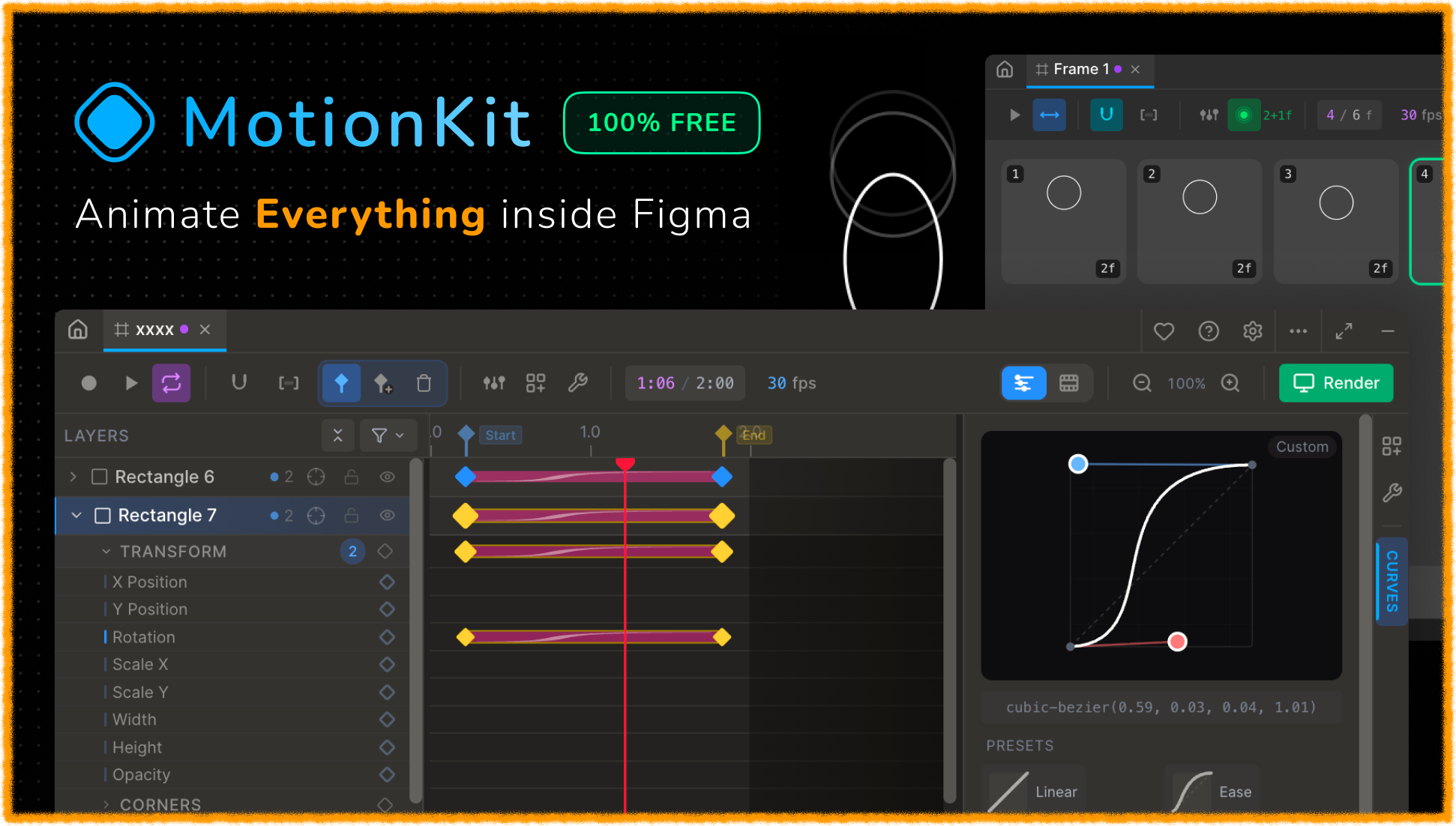
MotionKit is a free, open‑source Figma plugin that brings a professional timeline, keyframe editor, and production‑ready animation pipeline into Figma‘s sandbox. Inspired by Blender and After Effects, it allows you to animate any property, morph vectors, animate text per character, and compose nested frames – all without leaving your design tool.
The Hardest Problem: Figma‘s Top‑Left Rotation
Figma rotates nodes around their top‑left corner, not their center. That’s perfectly fine for static layouts, but a nightmare for animation. If you store raw x and y during recording, playback makes shapes drift because the pivot point changes mid‑animation.
Every layer has an anchor point (default: center). The plugin converts Figma‘s top‑left based position into an absolute world position of the anchor. Keyframes store that anchor position. During playback it is converted back.
This one module is the single source of truth for all coordinate math – no scattered calculations, no drift bugs.
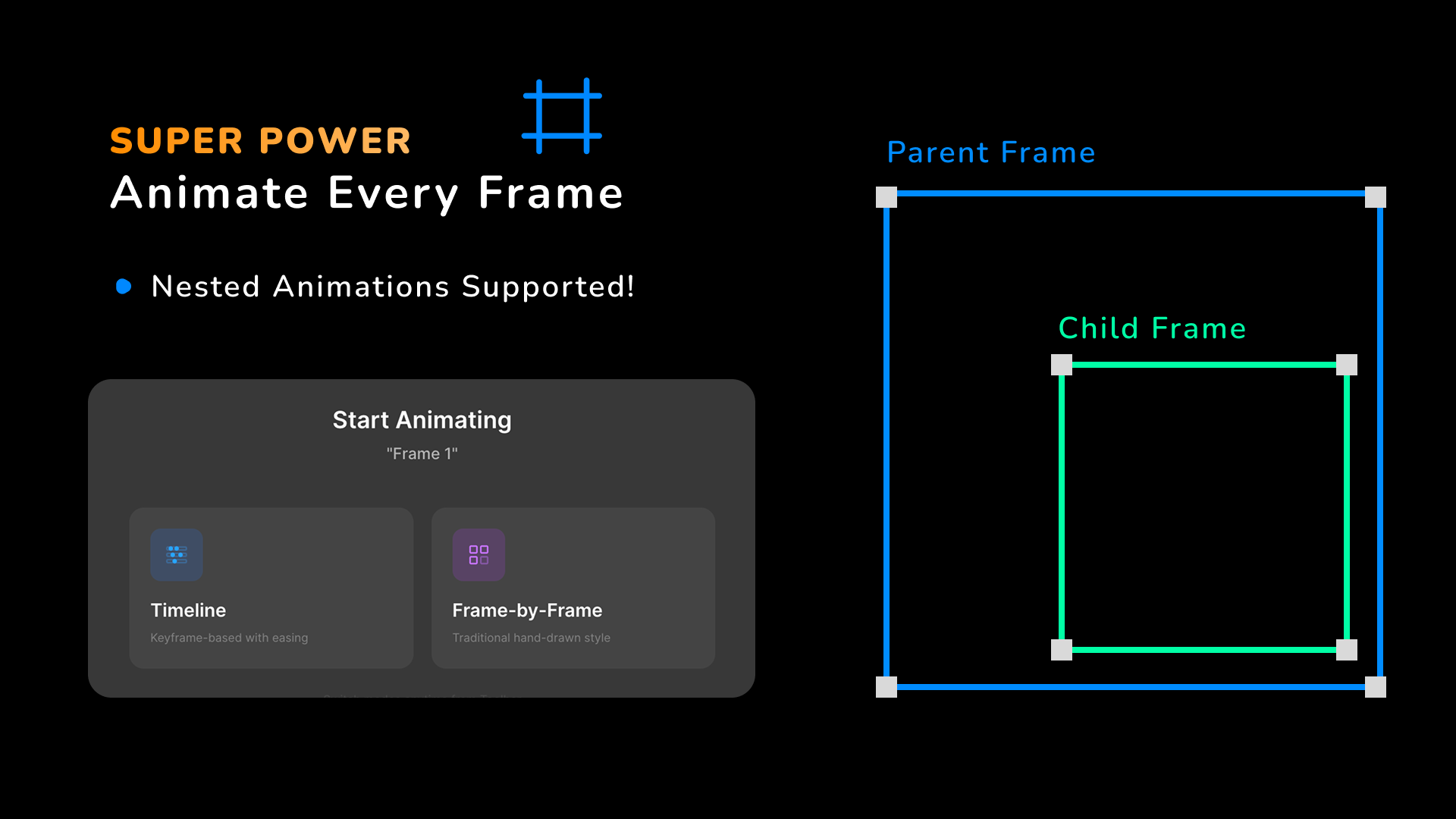
Nested Frames: True Composition
MotionKit lets you animate each frame independently, then compose them when previewing or exporting the parent. But when a parent frame scales or rotates, children must be transformed accordingly – but only if the parent has keyframes for that property.
This granularity prevents scale drift – a subtle bug that haunted me for weeks.
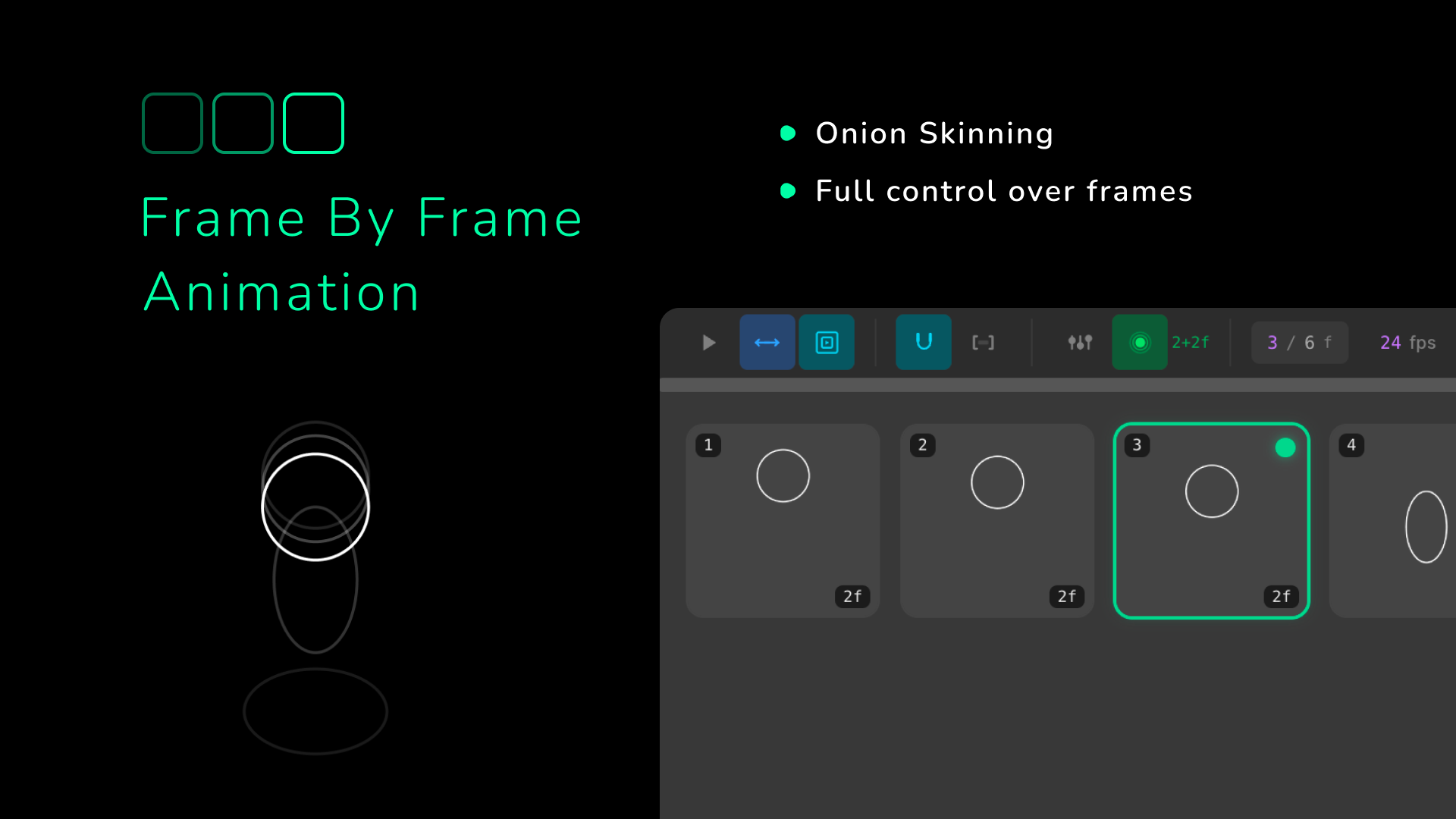
Frame‑by‑Frame Mode: Traditional Cel Animation
FBF mode treats each direct child of a root frame as one animation cel. Two features I’m especially proud of:
Vector Morphing Without Dependencies
Most morphing solutions use Flubber.js. MotionKit does it natively with normalized cubic Bézier points.
This approach is fast, dependency‑free, and works with every Figma vector type (VECTOR, RECTANGLE, ELLIPSE, POLYGON, STAR, LINE, BOOLEAN_OPERATION).
Text Animation: Per‑Character Interpolation
Text is special. You can‘t treat it as a single property – users expect per‑character font size, color, and even content to animate smoothly.
Each TEXT node has oneTextTrack. Each keyframe stores a completeTextStatesnapshot (characters + per‑segment styling). Interpolation happens per‑character using the same easing curves as regular properties.
During recording, Figma’s 'styledTextSegments' changes are captured into a full snapshot. The plugin filters out text‑managed properties so they don‘t create conflicting regular keyframes.
Modifier System: Blender‑Style, No Switch/Case
I wanted modifiers (Follow Path, Copy Animation, Stroke Trim, Loop Mode) to bepluggable – not a giant switch statement.
And every numeric modifier field can be keyframed (purple diamonds) with full easing support.
Unified Rendering Pipeline
Early versions had separate code paths for scrubbing, playback, export, and nested preview. That is a maintenance disaster.
| Function | Side | Purpose |
|---|---|---|
computeFrameAtTime() | UI | All UI‑side frame computation |
applyChildAnimationAtTime() | Plugin | All plugin‑side nested child animation |
Every code path – scrub, play, render, FBF, parent preview – calls these. No duplication. No subtle inconsistencies.
applyingPropertiesCount++ andisRendering = true so documentchange never sees programmatic changes as user edits.Performance & Limits (The Honest Part)
Figma restricts setPluginData to 100KB per entry. A very complex animation can hit that limit. MotionKit compresses the JSON and warns you, but it’s a real constraint.
- ✅ Virtual scrolling for large layer trees
- ✅ Memoized interpolation with
useMemo - ✅ Batched Figma updates (single
APPLY_FRAMEper frame) - ✅ Debounced auto‑save (2 seconds)
- 🚧 Incremental storage (splitting across multiple keys) – planned
Despite the limits, MotionKit handles 100+ animated layers at 60fps preview on a decent laptop.
Open Source & Sustainability
MotionKit is MIT licensed. Free forever. No paywall, no ‘pro’ version.
But building a plugin of this complexity – with Figma‘s quirky API, constant maintenance across Figma updates, and support for hundreds of users – takes hundreds of hours.
- ⭐ Starring on GitHub – it helps others find the project
- 🐛 Reporting bugs or sending PRs – contributions are always welcome
- 💖 Sponsoring me – even $5/month lets me buy coffee and keep fixing bugs
No pressure. I built this because I love creating tools that make designers’ lives better. If you can‘t sponsor, sharing the plugin with a friend is already huge.
Technology Stack
| Layer | Technology |
|---|---|
| Plugin Sandbox | TypeScript, Figma Plugin API |
| UI | React 18, Zustand, Tailwind CSS |
| Build Tools | Vite, esbuild |
| Animation Core | Custom interpolation engine, Bezier easing |
| Export | PNG/JPG/GIF, ZIP encoding, gif.js |
What‘s Next?
- Motion blur – if Figma’s export API allows it
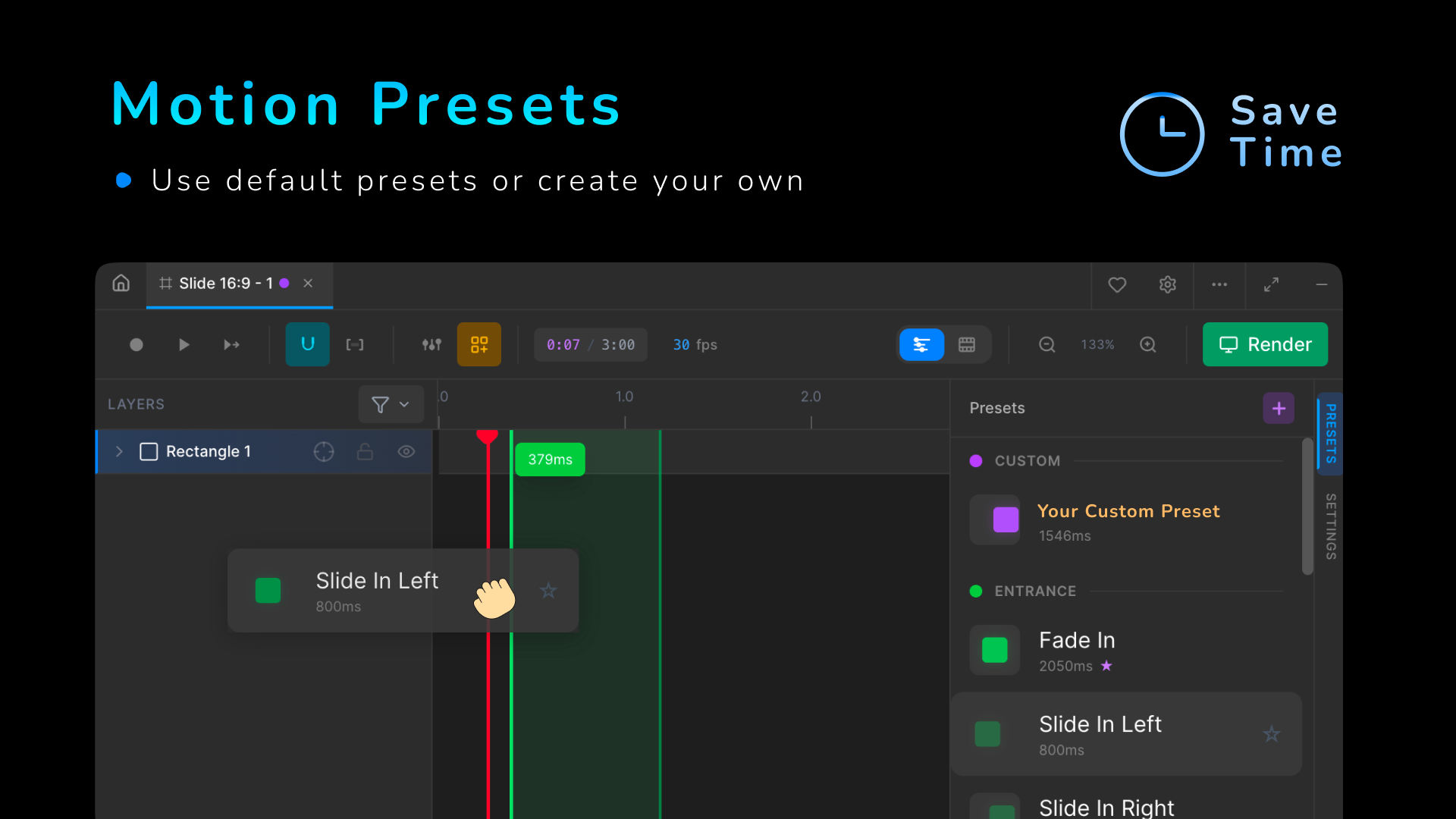
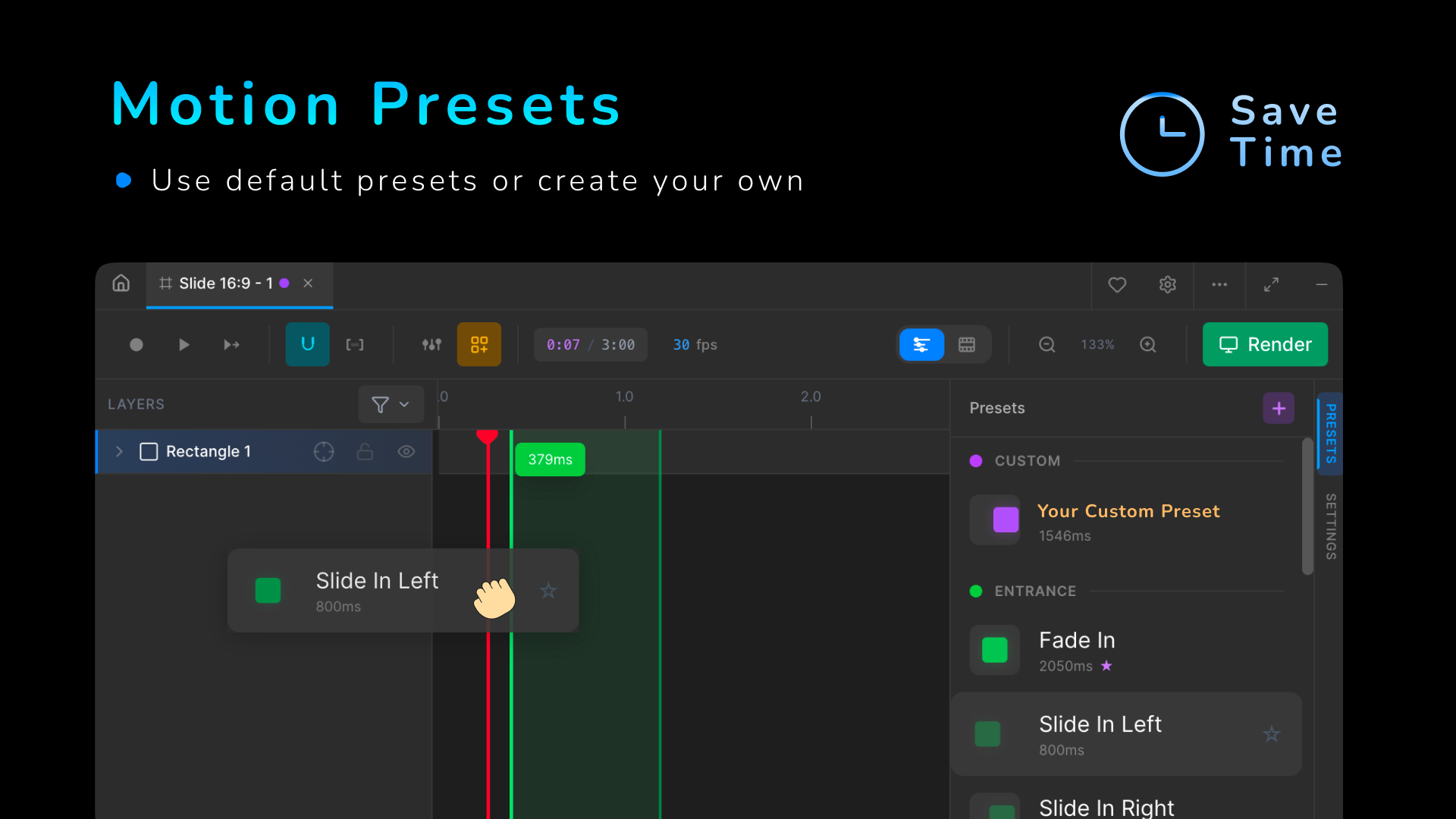
- Preset library – save/load animation templates
- Audio sync – timeline with waveform
- Better GIF encoding – per‑frame palette optimisation
- More modifiers – because the registry makes adding them trivial