OpenFields: Rebuilding Custom Fields for WordPress, the Right Way
Overview
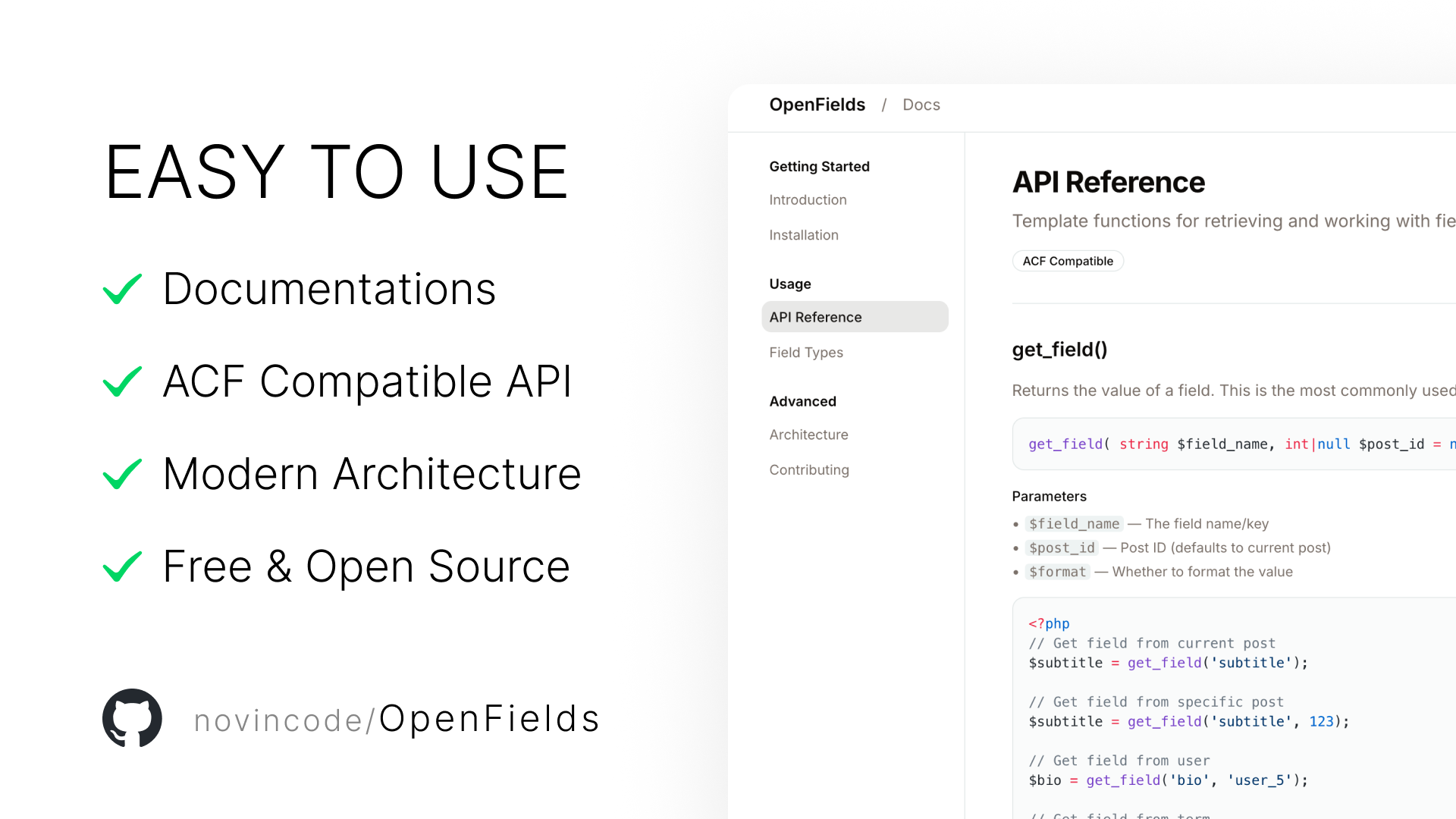
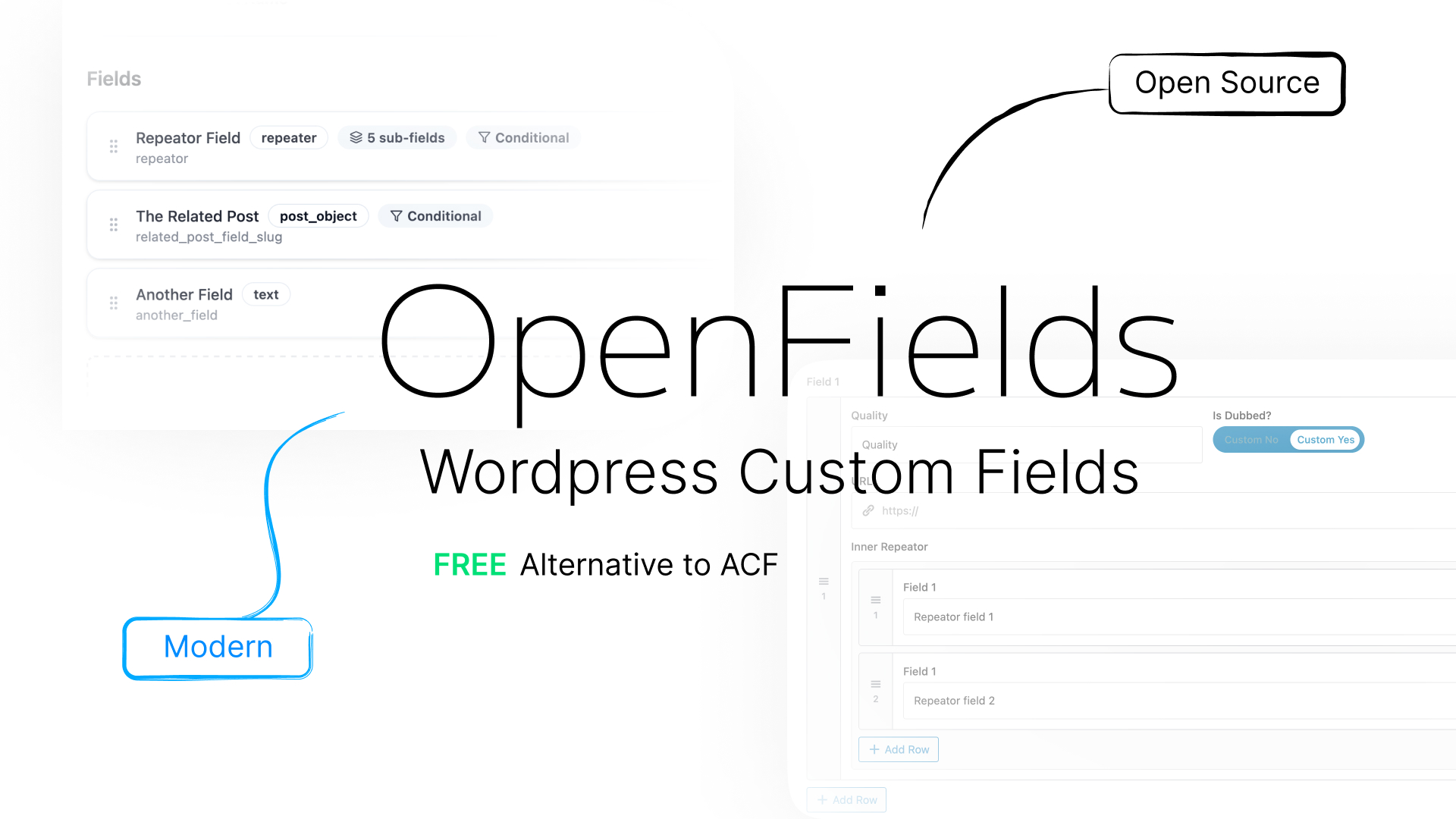
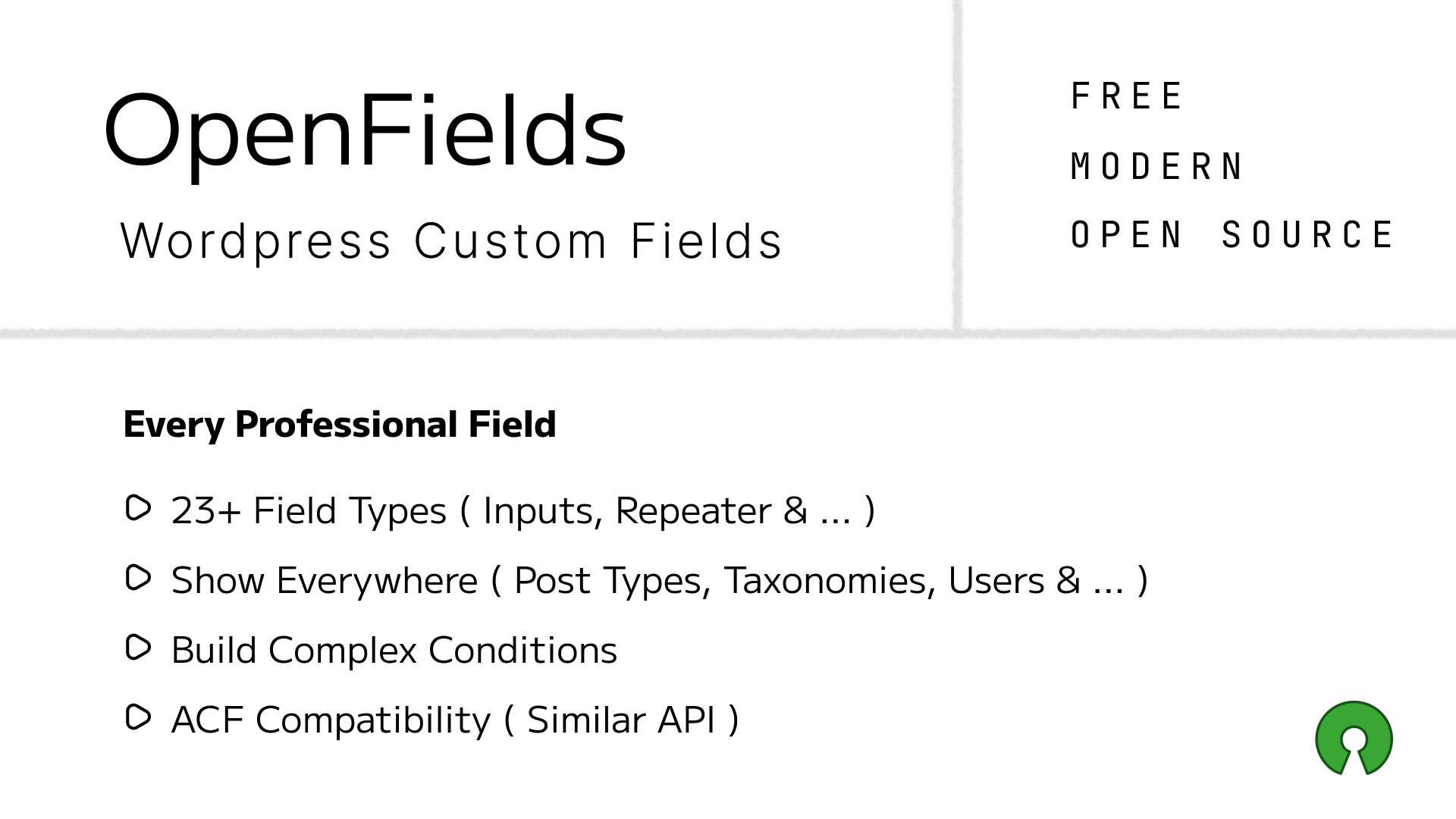
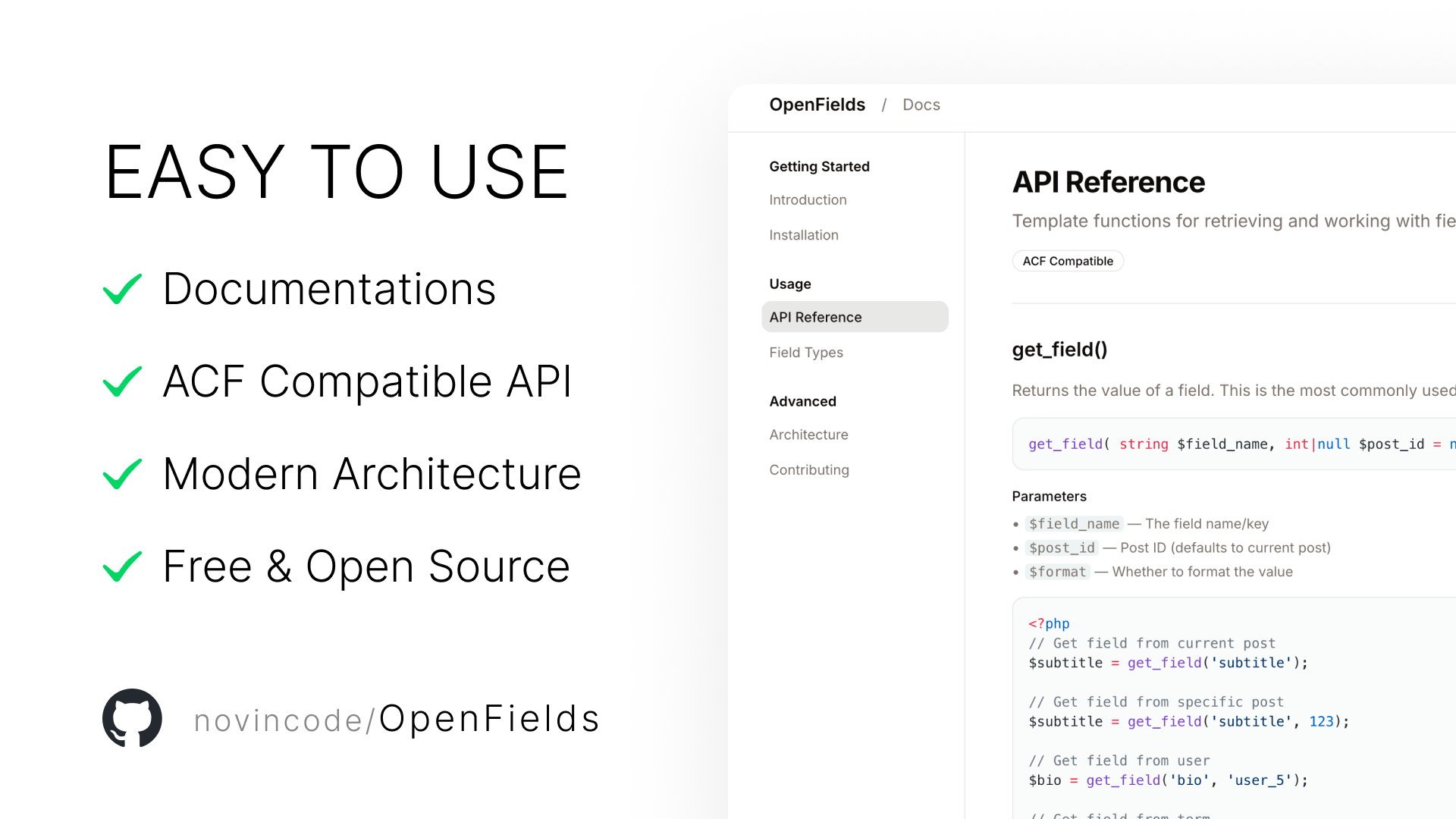
OpenFields is a free, open‑source custom fields plugin for WordPress that combines a modern React admin interface with a developer‑friendly API. It‘s built for those who love ACF’s simplicity but want a tech stack from this decade, full TypeScript support, and zero feature paywalls.
The backend follows WordPress coding standards, while the admin UI is a type‑safe React SPA powered by Zustand, Tailwind, and shadcn/ui. All communication happens via a clean REST API, and fields are stored in native meta tables with a configurable prefix (default: of_).
Why Another Custom Fields Plugin?
“ACF is great, but its admin UI is still jQuery in 2025, and essential features like repeaters are paywalled.”
OpenFields was born from frustration. I wanted a custom fields solution that:
- ✅ Feels modern – React 18, TypeScript, Vite, Tailwind
- ✅ Never locks features – everything is free, forever
- ✅ Respects developers – full REST API, TypeScript types, predictable behaviour
- ✅ Makes copying fields effortless – no export/import dance, just ⌘C/⌘V and “Send to Fieldset”
The result is a plugin that feels like it was built in 2025 – because it was.
System Architecture
OpenFields is split into two independent parts that communicate via REST.
- Custom tables:
wp_openfields_fieldsets,wp_openfields_fields,wp_openfields_locations - Location manager – evaluates AND/OR rule groups to decide where a fieldset appears
- Meta box renderer – injects fields into post, term, or user edit screens
- REST API – full CRUD for fieldsets, fields, and locations (no admin-ajax)
- Storage abstraction – works with postmeta, termmeta, and usermeta out of the box
Location Rules: AND/OR Made Visual
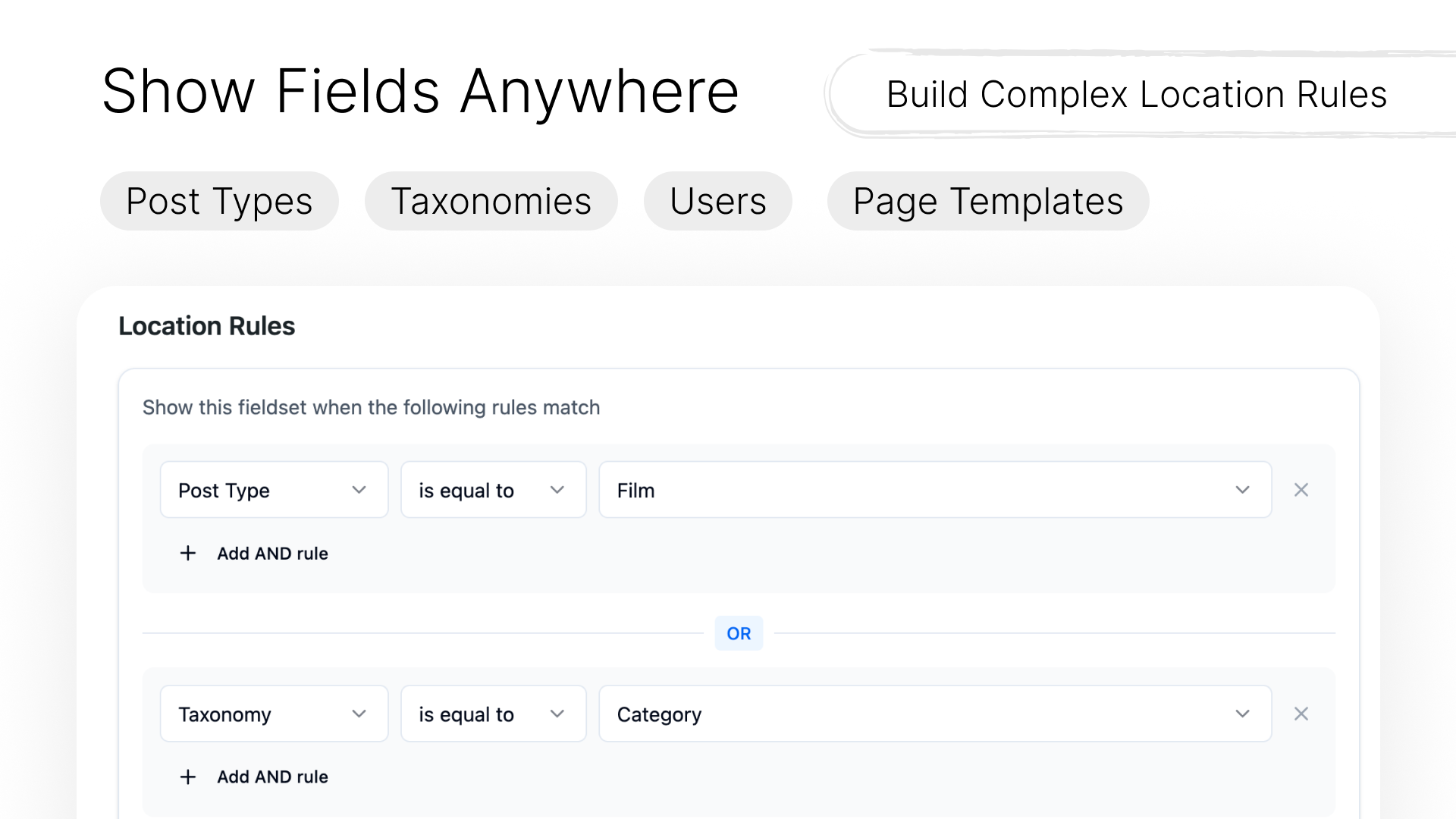
One of the most intuitive parts of OpenFields is the location rules builder. Instead of cryptic conditional logic, you get visual groups:
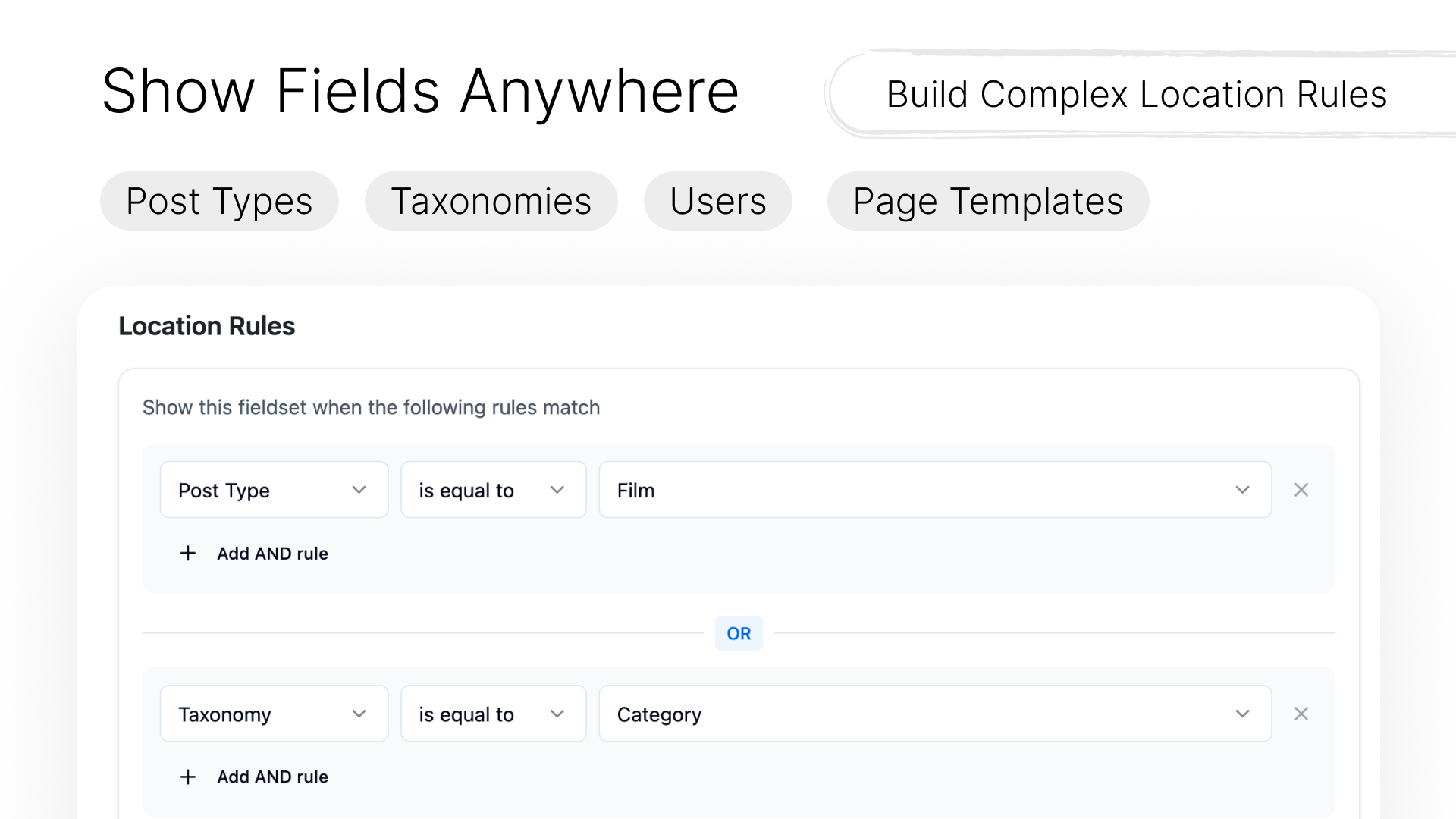
Rules inside the same group are combined with AND. Different groups are combined with OR. This exactly matches how WordPress developers think about conditional display.
wp_openfields_locations with group_id.Field Types & Extensibility
OpenFields already includes a rich set of field types, and adding your own is straightforward.
| Category | Field Types |
|---|---|
| Basic | text, email, textarea, number, url |
| Choice | select, radio, checkbox, switch |
| Media | image, file, gallery, oembed |
| Relational | post_object, taxonomy, user, relationship |
| Layout | group, repeater, flexible content, tab, accordion |
| Advanced | date_picker, time_picker, color_picker, map, code_editor |
Each field type can have its own settings UI – everything from placeholder text to conditional logic and wrapper CSS classes.
Modern Build Pipeline
The React admin app is built with Vite, and the plugin automatically versions assets using the version from package.json.
API First, Headless Ready
Every operation you can do in the UI is also available via REST. This means you can manage fieldsets programmatically, integrate with CI/CD, or build entirely custom frontends.
The API uses manage_options capability, so it‘s safe for admin use. Public read endpoints are on the roadmap.
Open Source, Heart & Sustainability
“OpenFields is my love letter to the WordPress community.”
I’ve been building WordPress sites for over a decade. I‘ve seen how custom fields plugins have become either outdated or outrageously expensive. OpenFields is my attempt to give back – a truly free, modern alternative that doesn’t hold your data hostage.
But maintaining a plugin with a React admin, custom tables, and constant compatibility testing across WordPress versions takes real time. If OpenFields saves you hours of work or makes your clients happy, please consider:
- ⭐ Starring the GitHub repo – helps others discover it
- 🐛 Reporting bugs or sending PRs – every contribution matters
- 💖 Sponsoring me on GitHub – even $5/month helps cover coffee and testing environments
- 📣 Spreading the word – in WordPress meetups, Slack groups, or tweets
No guilt if you can‘t. The code will always be free. I just want to keep it alive.
What’s Next?